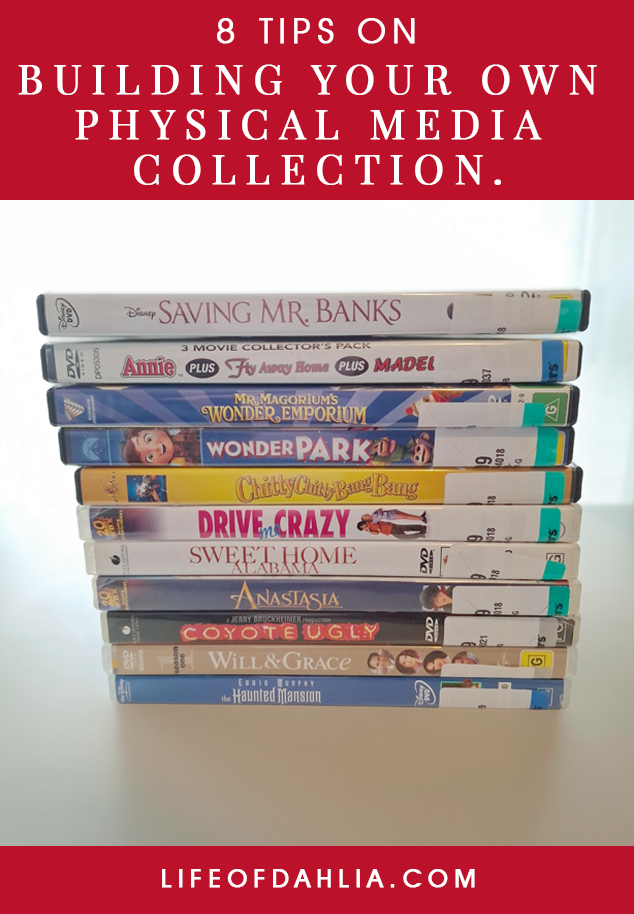
The last 12 months have seen a notable rise in people seeking out and consuming physical media over using streaming services. This could be for many reasons, like the cost of subscriptions going up, the sheer amount of services available (each with exclusive content) and the fact that we don’t actually own or have control over how long the content is available for.
In a recent post, I talked about ‘Why I am personally going back to Physical and Offline Media’, including some of the reasons above. If you are interested in reading that, you can check it out here.
But in today’s post, I wanted to share some tips on ‘Starting Your Own Physical Media Collection’, for those of you who may be considering starting your own.
Contents
- How to Start Your Own Physical And Offline Media Collection?
- Make A List of What You Like
- Shopping Second Hand
- Suggestions on Streaming Services
- Still Support New Media
- Compilation Albums Make Great Playlists
- Watch or Listen without Distractions
- What Formats Do I Choose When Building A Physical Media Collection?
- DVD or VHS?
- Which Music Format Do I Choose?
How to Start Your Own Physical And Offline Media Collection
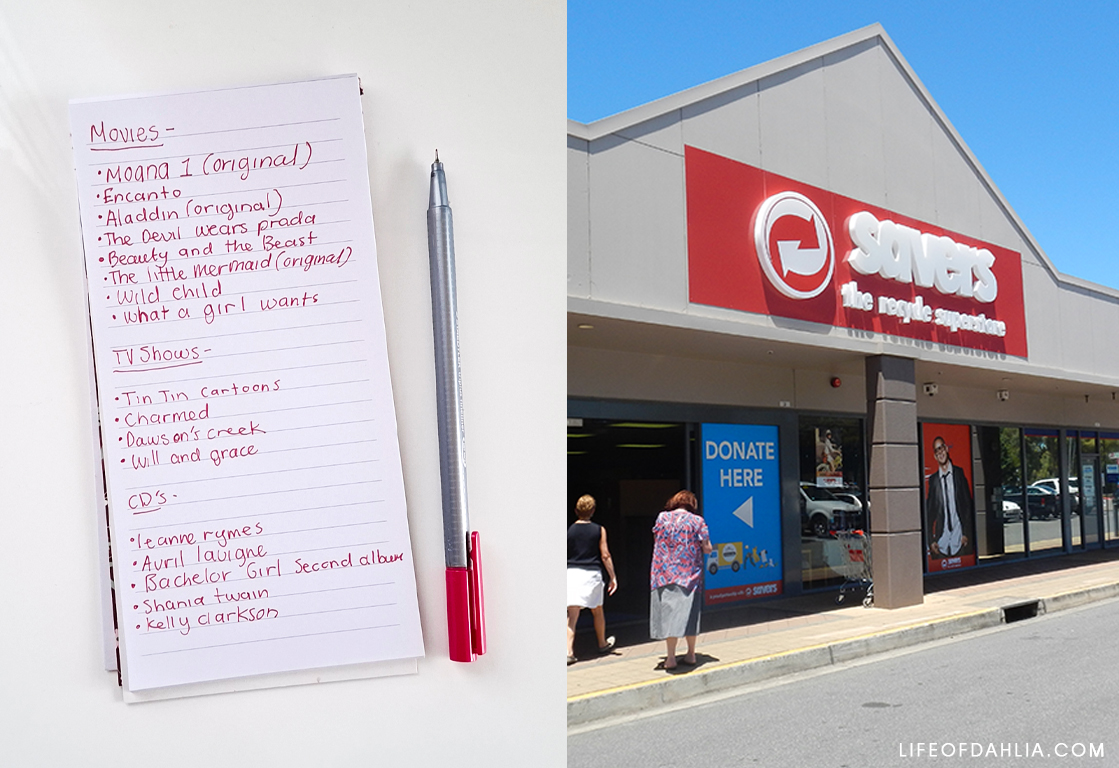
Here are a few tips on starting your own Physical and Offline Media Collection:
Make A List of What You Like
Firstly, I recommend making a list of what you already know you like. This could be your favourite movies or TV shows that you watch all the time, or your favourite albums or artists that you like listening to. This will give you a starting point and some guidance, because it can be overwhelming if you are starting from scratch. Making a list will also help you be more intentional with your choices.
Once you have made your list, then you can start searching.
Shopping Second Hand
When you start to build your physical media collection, I recommend buying second-hand, especially for older movies, TV shows or music.
Second-hand shops are a great place to start, as you will be able to get better value with your money, and it feels less overwhelming if you don’t end up liking something that you purchased because you didn’t spend that much.
If you are looking for something in particular, you can also check out sites like eBay. Just be careful with the conditions on the listings (look for Very Good or above), don’t be afraid to message sellers before or after purchasing an item and make sure the photos in the listings include the Discs or VHS tape so that you can check the condition of the items and their legitimacy as well. ( I recently purchased some VHS tapes, and one of the tapes was completely blank. While there were photos included of all the items I purchased, I missed that detail. It was both my fault and the seller’s for not checking properly, but I was refunded after contacting the seller, which was great. Don’t make the same mistake as me; check things properly before purchasing.)
Shopping second-hand also really helps support the circular economy, which helps keep things out of landfill and continues to give them life.
Suggestions on Streaming Services
If you want to keep using streaming services, then try to minimise them to the ones you use most often and cancel the rest.
(For example, I unsubscribed from Netflix because I wasn’t using it but kept Disney + because I find their catalogue better suits the type of things I like to watch and also because Disney no longer manufactures Physical Media for the Australian market, so I can still watch any of their content that I can’t buy physically.)
Another suggestion is to use them as a try-before-you-buy, like discovering Albums and artists you like, then adding them to your wish list to purchase later.
Still Support New Media
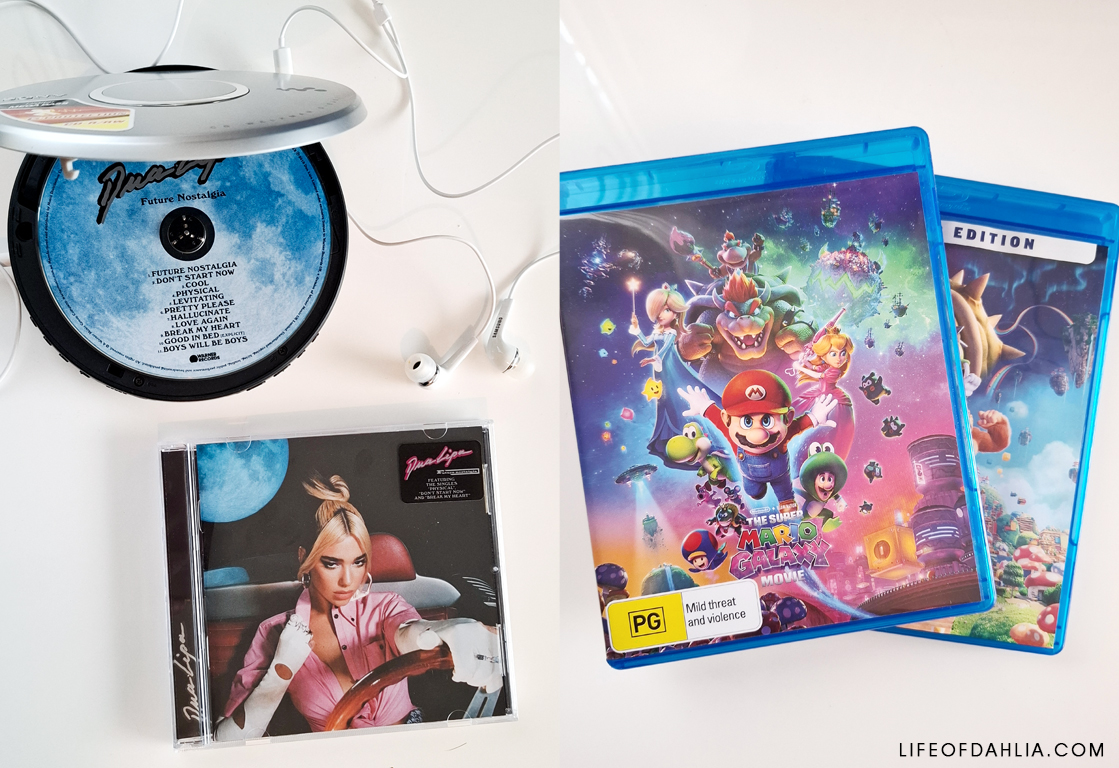
While I said buying second-hand is a great way to start building your collection, I still encourage you to purchase new media when you can. Like purchasing newer releases of movies, TV shows and albums on DVD or CD, this shows the industries that we want them to continue manufacturing these types of physical media.
These industries are slowly reducing and even stopping the manufacturing of physical media products. This has already happened with Disney-associated content in Australia; they stopped making DVD’s for our region in 2023. We can still get some on Blu-ray, but these often need to be imported from overseas where they are still available.
Sony also recently announced that they are going to stop manufacturing PlayStation Games physically as of 2028. Any games made after their cutoff date will only be able to be purchased digitally. We don’t want to see this happen in other industries, which is why we need to keep purchasing new physical media as well. Vote with your dollars to let them know that we still want to be able to purchase things in a physical format.
Compilation Albums Make Great Playlists
Compilation albums are a great way to build music playlists. These come in many forms, like movie soundtracks, hits from different decades, and party song lists. These are great if you prefer just listening to a playlist of songs over a complete album or want to build your own offline digital music library. ( I hope to go more into building an offline digital music library in a future post.)
Watch or Listen without Distractions
I encourage you to watch a movie or listen to an album without distractions to really appreciate what you are consuming. It doesn’t have to be all the time, but I still encourage you to give it a try. Whether it’s a solo listening party or one with friends or just an old school movie night, it’s up to you, but do it with limited distractions; no phone or device time. This will create a mindful moment and allow you to take it all in.
What Formats Do I Choose When Building A Physical Media Collection?
DVD or VHS?
I see a lot of people opting for older formats like VHS, and while this is very nostalgic, I would personally recommend going for DVD or Blu-ray formats (at least to start off with) and here is why.
Both of these formats have positives and negatives. VHS hits a nostalgia spot for a lot of us who grew up in the pre-DVD era, but It’s an older format and can be harder to source, and a lot of VCR’s won’t work with modern TVs without converters. Also, they have quality issues because of their age. (I’ve experienced this recently with starting to purchase some second-hand.)
DVD/ Blu-Ray’s also have issues like data glitches because they are mass-manufactured, and scratches can lead to issues when the players are reading them, but they are higher quality, more accessible, and work with modern TVs (especially if you have a more up-to-date player that comes with HDMI outputs)
They also have modern conveniences like interactive menus, which makes them easier to navigate. Meaning you can skip between episodes and chapters more easily. They often come with extra content, and you don’t need to rewind them when you want to rewatch them (no Be Kind Rewind necessary).
If you really want to go for VHS as well as DVD, I would recommend starting with DVD/Blu-ray and then look into VHS later on. That’s what I have personally done; I started collecting DVDs and only recently have I looked at purchasing a second-hand VCR and some of my favourite movies from my childhood on VHS. Luckily, I have an older TV to plug it into, so I don’t need any converters to make it work.
Which Music Format Do I Choose?
For music formats, if you want to start building a physical media library, then there are a few questions you may want to ask yourself, like ‘What are your intentions? What do you want to get out of it? And how much are you willing to invest?’
Like are you only purchasing some favourite albums? Do you want to be more intentional with your listening? What is your budget for purchasing music, and do you have what you already need to listen to them, or do you need to buy something to listen to it on, etc.
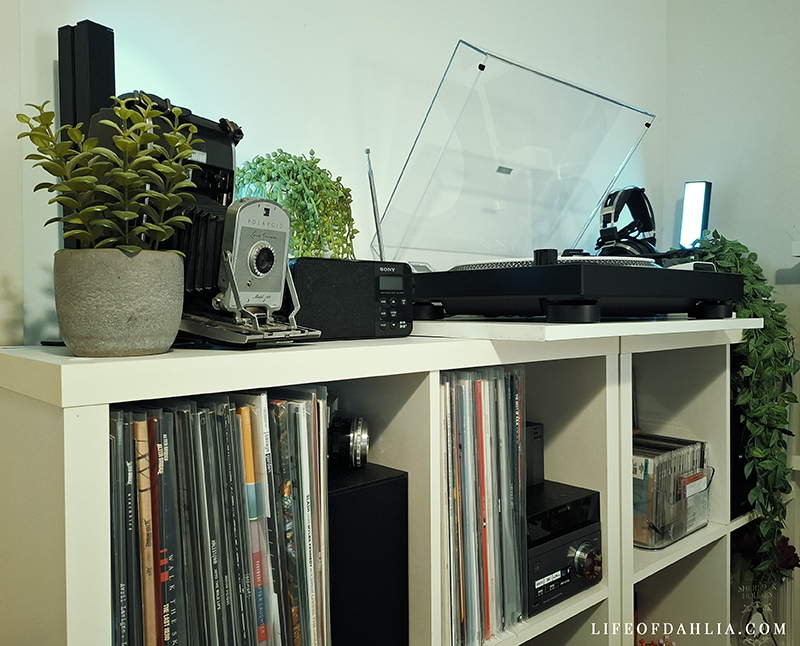
For example, vinyl is a great analog format, but it’s expensive. You will need a turntable, speakers, possibly an amplifier or stereo to play them on/through, and then there are the individual records themselves, which can range in price from $50 to $100 AU for a single new press record. Vintage records also range in price and will vary depending on where you source them.
CDs, however, are a much more affordable option, ranging from a few dollars (if you’re purchasing from a second-hand store) to $15 – 50* (if you’re purchasing brand new), and you also have the option of easily backing them up to a computer.
Allowing you to create a portable library that you can take on the go.
You will also need something to listen to them on; this could be a stereo with a CD player, a portable CD player like an old CD Walkman/Discman or a DVD player that can play CDs. But it’s a more affordable option than Vinyl Records.
Cassettes are also great and very nostalgic, but again you will need to source them second-hand and something to listen to them on. They are great, but like VHS, the quality can be a bit funky.
Overall, I would recommend starting with CD’s because they are an easier, cheaper and more accessible way to start your physical music collection. And you can build an offline digital music library with them to put on an old iPod or MP3 player.
*A more expensive price point for CDs is normally a multi-disc album, like a best of / greatest hits, or compilation albums, etc.
This is a topic I have become quite passionate about, and I am really enjoying rebuilding my own collections. In recent years I have tried to find more balance with my devices and what I am consuming. Going back to physical formats has allowed me to be more intentional and feel less connected to my devices and the internet 24/7.
I hope you found these tips helpful, and I hope to share more on this topic in the future.
I have recently shared some Reels of my Physical Music Collection on my public Instagram account if you would like a sneak peek at that. But I hope to be able to do some long-form videos on this in the future, when I can.
Until next time, I hope you have a lovely day.
Erin
Disclaimer – This post is not sponsored and doesn’t contain any affiliate links; any links included are for reference only in case you are interested in checking out a mentioned link or purchasing a reviewed product. Check out my full Disclaimers here, including AI use on my blog.
Credits: I don’t own the copyright to the media featured in the photos in this post; it is owned by its respective copyright owners.
I have done my best to look up who owns these, but It’s not always easy to find that for all of them but I have done my best to figure that out.
Featured Media in Image 1: Disney’s Saving Mr. Banks (Disney), Annie 1981 (Columbia Pictures/Sony Pictures Entertainment), Fly Away Home (Columbia Pictures/Sony Pictures Entertainment), Madeline (Tristar Pictures/Sony Pictures Entertainment), Mr Magorium’s Wonder Emporium (Stupid Zebra, LLC/Walden Media), Wonder Park (Paramount Pictures), Disney’s Chitty Chitty Bang Bang (Disney), Drive Me Crazy (20th Century Fox/20th Century Studios/Disney), Sweet Home Alabama (Touchstone Pictures/Disney), Anastasia (20th Century Fox/20th Century Studios/Disney), Coyote Ugly (Jerry Bruckheimer/TouchStone Pictures/Disney), Will & Grace season 1 (NBC), Disney’s The Haunted Mansion (Disney).
Featured media Image 3: Dua Lipa’s Album Future Nostalgia (Warner Music) and The Super Mario Galaxy & The Super Mario Bros movies by Nintendo and Illumination
Reference articles:

Leave a Reply