
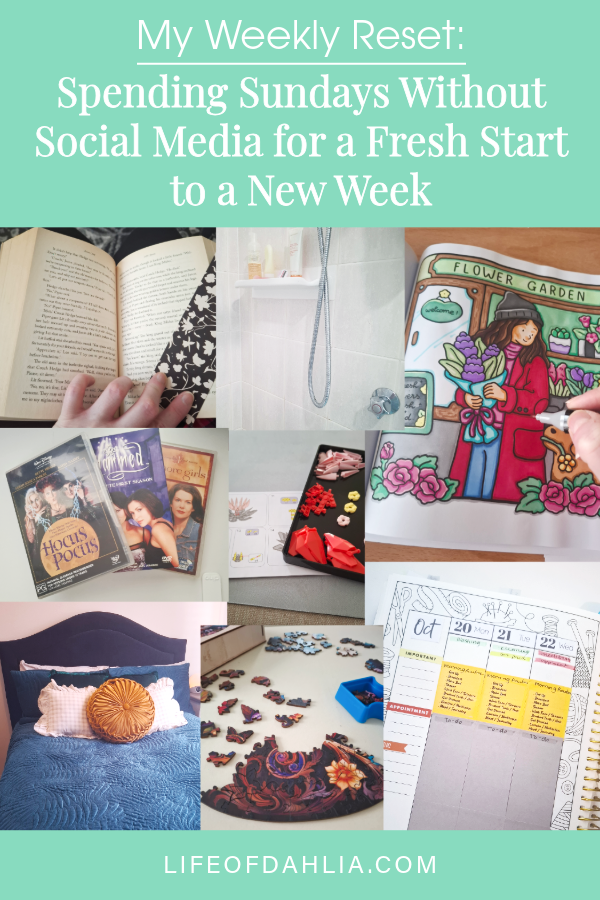
Balance can be hard, especially with our digital devices. I struggle with this too. In an ideal world, I would love to go back to a simpler phone, but that isn’t exactly realistic because I use my phone for so much, like tracking my reading and other habits. It is my preferred way to view and post on social media (the experience is just better than on desktop for me. I also prefer not to view social media on a device I use for productivity (writing, editing) and relaxation (gaming). So I try to find balance with my devices when and where I can, using tools like app timers and focus apps to help me be more purposeful. I make the conscious choice to block things on particular days to give myself a break.
Today I want to talk about my social media free days, specifically these for me fall on Sunday and Monday, which are what I consider my ‘Weekly Reset’ days. And what these days look like for me, what things I do or prioritise on these days.
Originally, I shared this as a small post on my personal (private) Instagram account, where I have been experimenting with different posts, talking about my week and hobbies, etc. I’ve been trying to come up with ideas for informal posts that I can share that feel like writing a letter. Just talking about what I do when I’m not spending time online, and so I have decided to turn some of those posts into blog posts.
I have been experimenting a lot with my writing, so it might be a bit all over the place for a while as I figure out what it looks like. But I love the idea of writing a letter, so I would love for it to feel somewhere in between a letter, blog post and newsletter. But it’s going to take lots of time and experimentation. I am excited to see where this journey takes me.
This blog and I have been through a lot together. It has changed along with me. It has sat and waited in times where I haven’t been to post (due to illness or lack of inspiration), and I hope that it will continue to allow me to express myself in various ways in the future. Wherever my interests take me.
Okay, that’s enough rambling. Here is ‘How I like to use my Social Media Free Sunday’ (Reset Days).
How I Spend My Time On My Social Media Free Sundays?
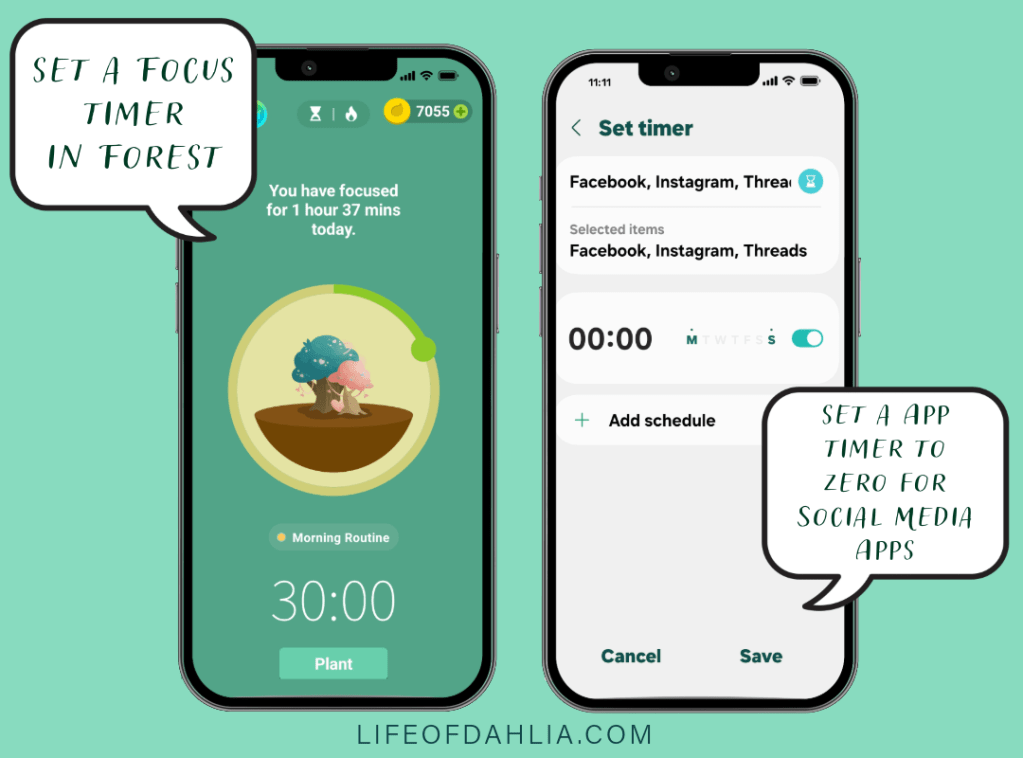
- First, I set my Focus Timer. I use an app on my phone called ‘Forest’. (I actually use this app daily to give me an incentive to stay off my phone and focus on other things.)
[In ‘Forest’ you grow trees for a certain amount of time, and if you leave the app or cancel the timer, the tree will wither and die. Dramatic, I know, but growing your forest with different plants is the incentive to stay off your device. You can also get coins for every tree you grow to buy more trees for your forest. It’s my favourite app.]
- Then I set App Timers to Zero for Social Media apps, to stop me from being allowed to access them. This means that they are completely greyed out, and I can not open them at all. Not without manually adding more time.
Once these are set, I like to use my time for:
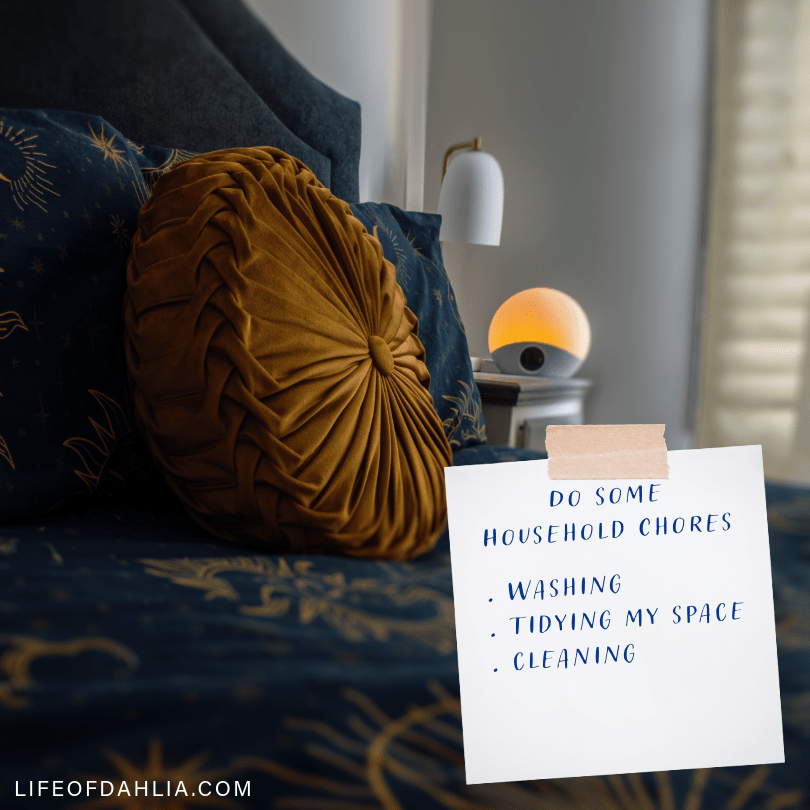
- Doing Some Household Chores. This is usually anything that didn’t get done during the last week, cleaning jobs, some laundry and tidying my space. It’s great to have a clean space and clean clothes for the new week ahead.
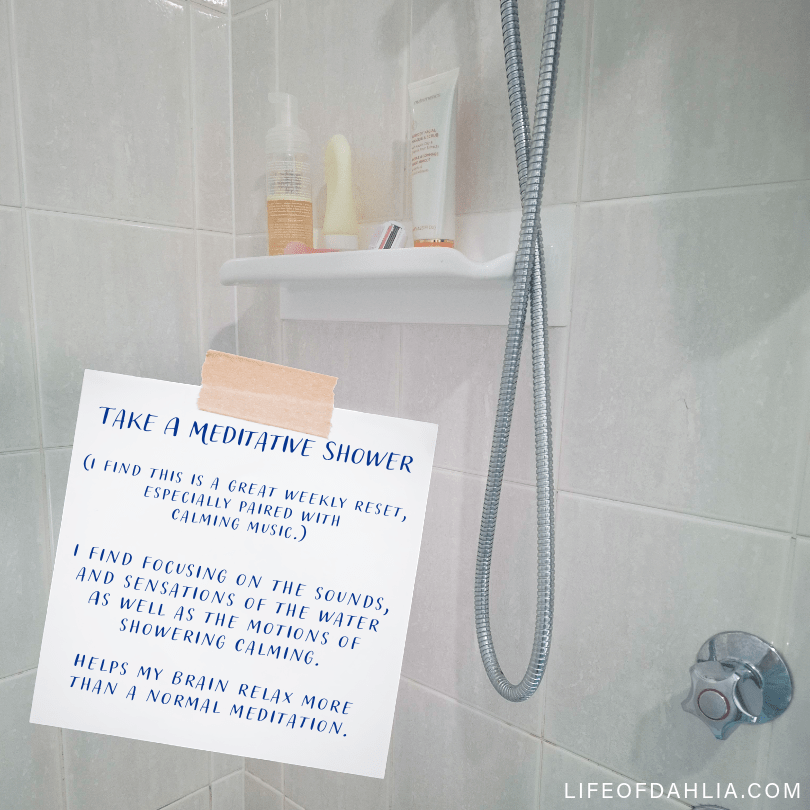
- Take a Short Meditative Shower. This is great for my weekly reset. I like to focus on the sounds and sensations from the water. It helps my brain relax more than a traditional sit-down meditation, especially because I deal with chronic pain daily. It gives me something to focus on to distract from it.
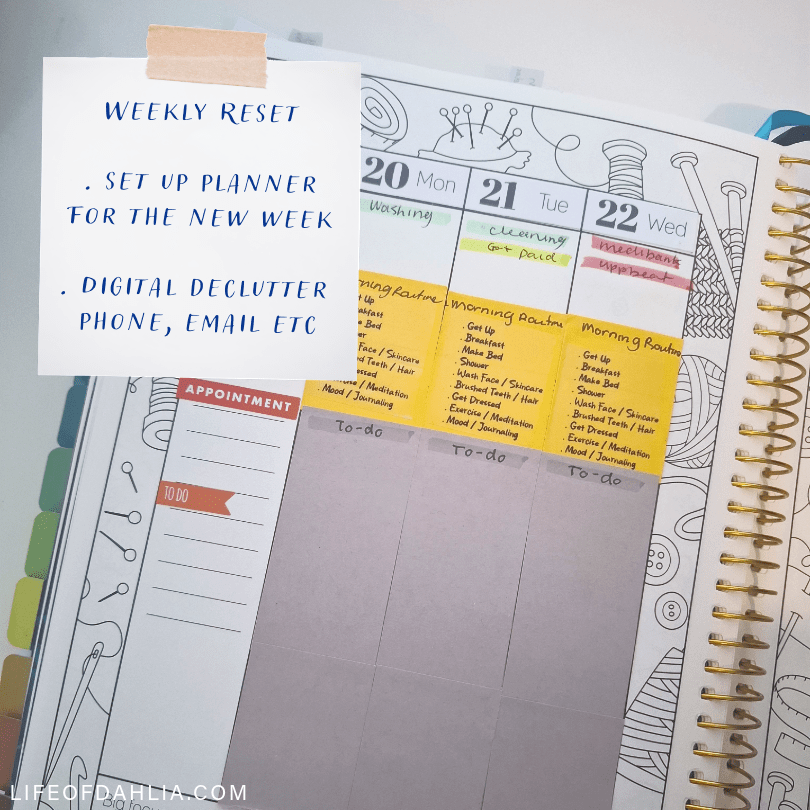
- Set up a New Week in my Planner, Declutter My Phone and Emails. I like to set up my new week in my weekly planner, adding tasks, appointments, bills, etc. As well as do a little bit of a digital declutter (when I remember to.) I usually go through my photos and files on my phone and remove anything that I don’t need anymore. And sort and delete emails to clean out my inbox.
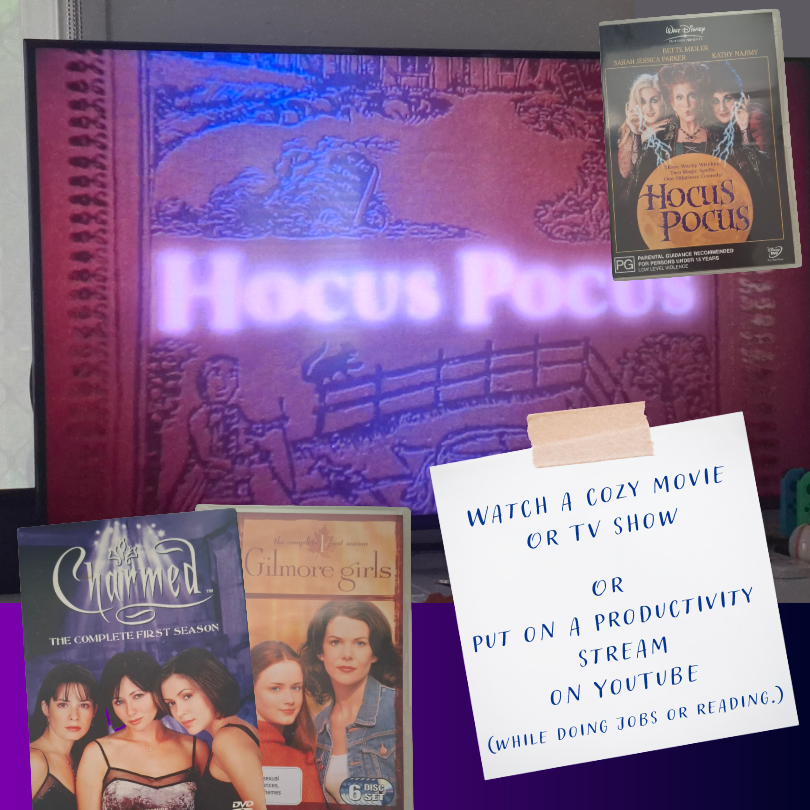
- Device Free Time – I like to finish these days off with a cozy Movie or TV Show and spend some time off my other devices and do some analog hobbies like reading, colouring, puzzles or journaling.
(The only thing I allow on these days is YouTube, but I am very specific about how I use it. I mainly use it for replays of productivity sprints to help keep me motivated, but I also often use these while I am reading. I like the co-working aspect of them.)
These days are really about finding balance, allowing myself time to get some housework done, resetting my week and resting. Giving myself permission to do nothing productive for a few hours in the afternoon/evening so that I can clear my brain of expectations and rejuvenate, so that I can have energy to do things.
This can look different each week for me; some weeks I have lots of energy and others it can be quite low, but I do what I can, when I can. Even if low-energy days can sometimes be frustrating, making even the basic things feel hard, I try to go with my energy, be accepting of it and do what I am capable of doing on that day.
What things do you like to do for a Weekly Reset, And How do you prioritise time away from social media or your devices? Let me know in the comments of this blog post. (If you’re reading this via email, you will need to visit the blog post to comment. I don’t allow replies to emails.)
Until next time, I hope you have a calm and relaxing day.
Erin
Some Other Posts That Might Interest You:
- How To Make Social Media Work For You
- The Power of Self-Care: Why Taking Time for Yourself is Essential
- *NEW* The Joyful Journal: Life of Dahlia’s Bi-Monthly Subscriber Only Post – Vol. 1 – New Year Reset (available to subscribers only) (It’s Free To Subscribe)
Credits – All the images featured in this post were put together in Adobe Express using various images and elements. All background images were taken by me (Erin Applebee) unless otherwise stated.
Image 1 (cover image) – Create in Adobe Express – feature image by me (Erin Applebee)
Image 2 – Focus Timers – Created in Adobe Express using screen captures of the ‘Forest’ Focus App and Samsung’s App Timer Feature.
Images 3 & 4 – Created in Adobe Express. Photo by Me (Erin Applebee), Paper element from the Adobe Express Clip Art Library.
Images 5 & 6 – 5 -Created in Adobe Express. Photo by Me (Erin Applebee), Paper element from the Adobe Express Clip Art Library. Planner featured is by Sarah Renae Clarke. 6 – Created in Adobe Express. Paper element from the Adobe Express Clip Art Library. *Image on TV & DVD cover art by the respective copyright owners (I don’t own the copyright to these). Charmed (is owned by Paramount Global), Gilmore Girls (is owned by Warner Bros. Discovery) and Hocus Pocus (is owned by The Walt Disney Company.)
Disclaimer – This post is not sponsored and doesn’t contain any affiliate links; any links included are for reference only in case you are interested in checking out a mentioned link or purchasing a reviewed product. Check out my full Disclaimers here, including AI use on my blog.
Discover more from Life of Dahlia
Subscribe to get the latest posts sent to your email.
